
Training, Community, Team Chat, and Support—Together
Give your business one place to onboard employees, share company knowledge, connect with other service business owners, communicate with your team, and reach The Service Pilot support team.
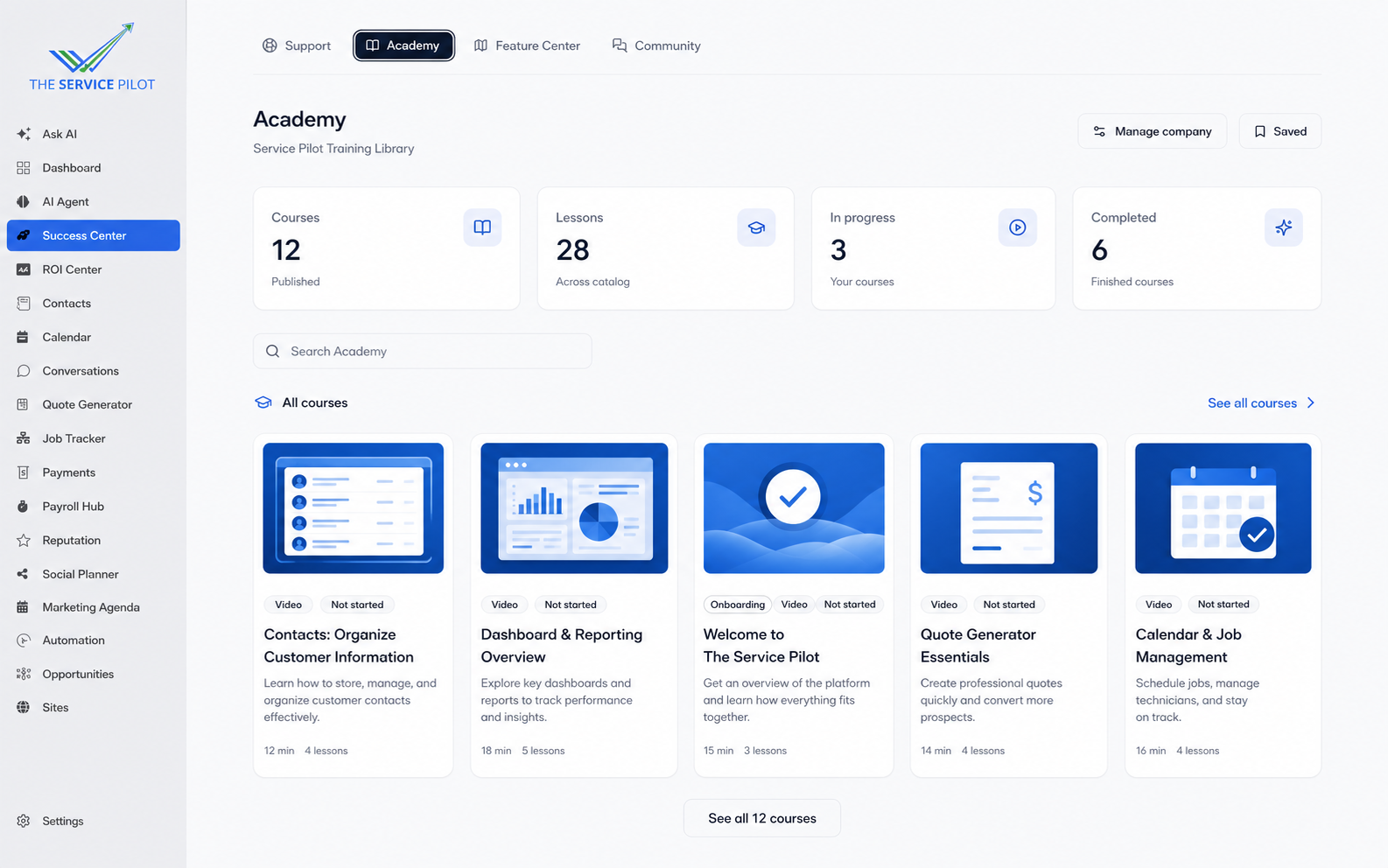
Keep every Service Pilot training video in one learning library
Give owners, managers, and employees one organized place to find official Service Pilot training. Browse product videos, follow lessons, and track learning progress without searching through scattered links.
Service Pilot training library
Keep walkthroughs for contacts, dashboards, quotes, calendars, job management, and other product workflows together.
Courses and lessons
Turn individual videos into organized courses that employees can follow in a clear order.
Visible learning progress
See what is in progress and completed so each employee knows what to learn next.
Build courses, knowledge-base training, and learning paths for your employees
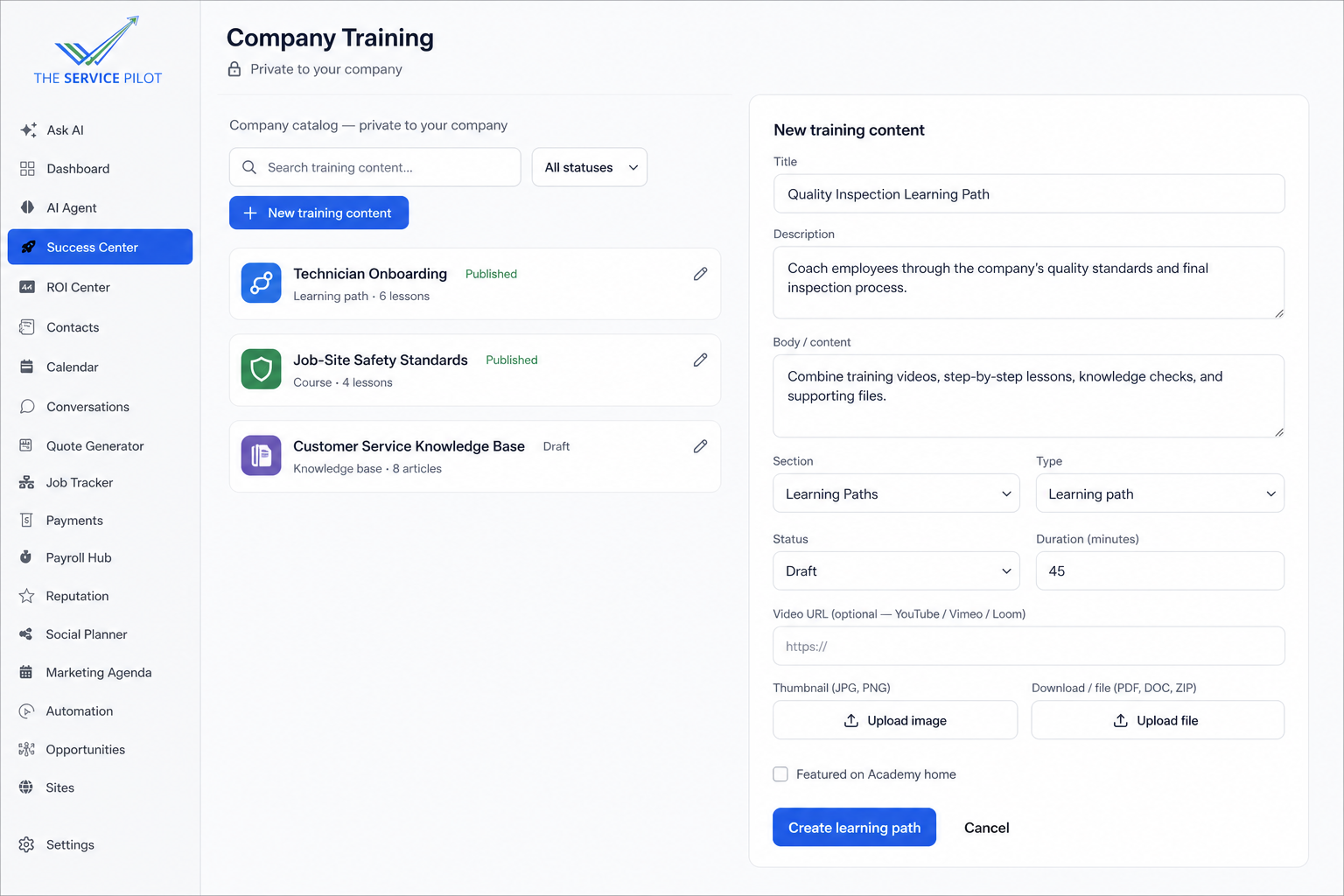
Create a private training program around the way your company operates. Add your own videos, written lessons, supporting files, knowledge checks, and structured learning paths to train and coach your team.
Your training content
Build company courses and upload videos for onboarding, safety, customer service, sales, quality standards, and field procedures.
Knowledge-base learning
Turn company policies, checklists, standards, and step-by-step instructions into searchable employee education.
Employee learning paths
Arrange courses and lessons into guided paths that help owners train, coach, and develop employees consistently.
Learn with business owners solving familiar problems
Exchange ideas, compare workflows, and join practical conversations with service business owners who understand the day-to-day work.
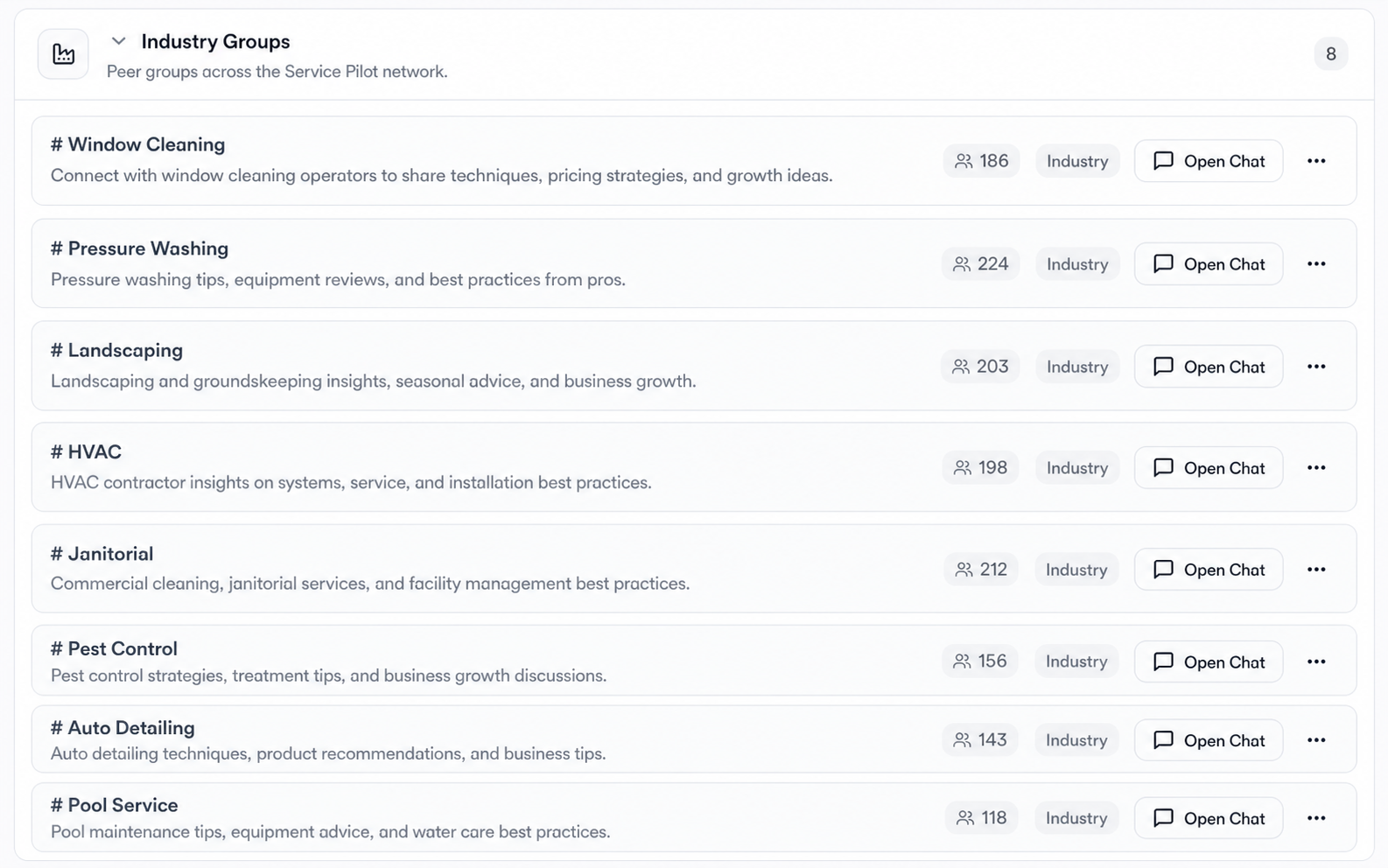
Find your industry group
Join focused spaces for window cleaning, pressure washing, landscaping, HVAC, janitorial, pest control, auto detailing, pool service, and more.
Trade practical experience
Ask other operators about equipment, pricing, hiring, safety, quality standards, and the situations they face in the field.
Keep peer knowledge organized
Industry channels keep useful conversations easier to find than scattered social posts or private message threads.
Turn a quick question into shared operating knowledge
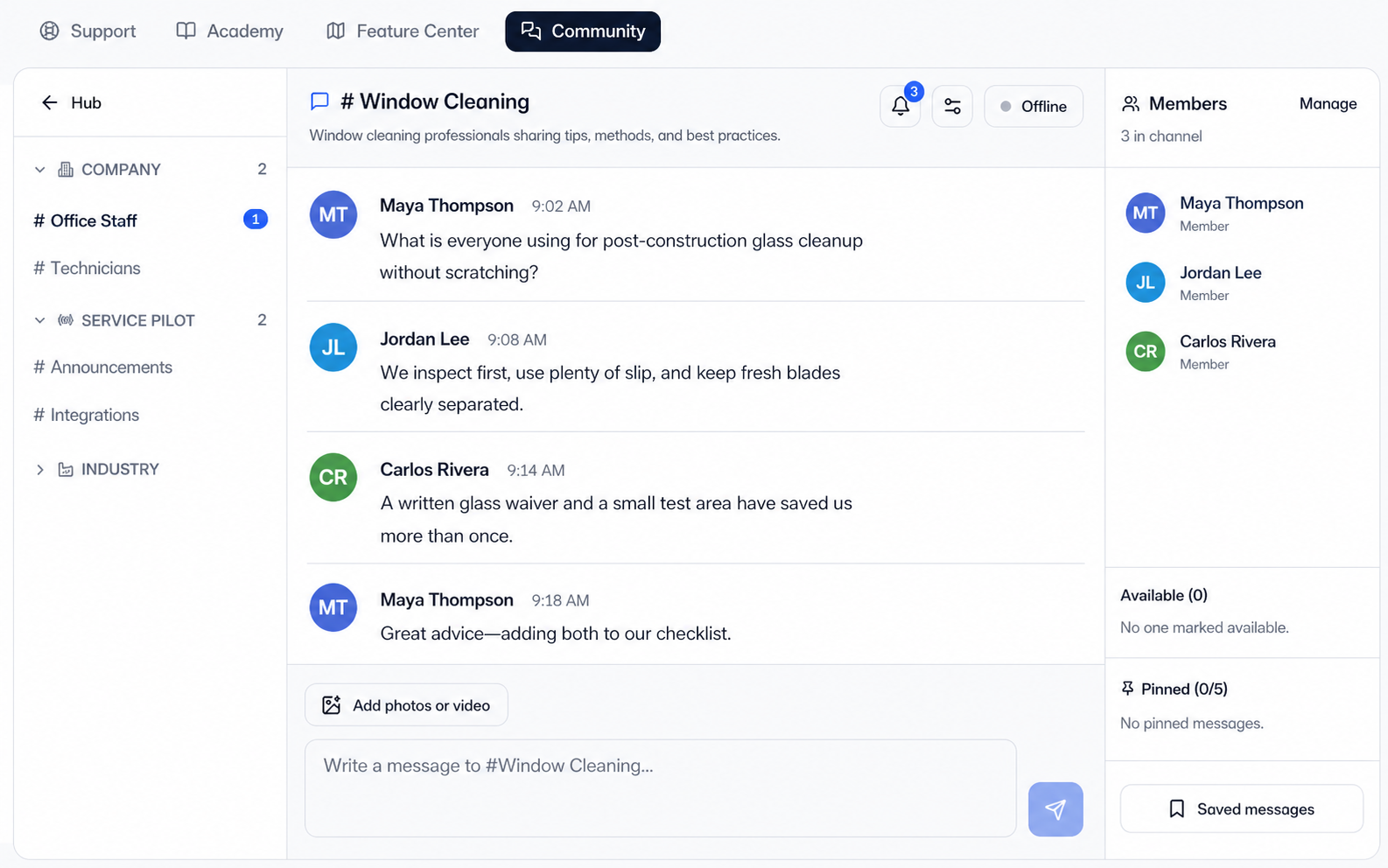
Open an industry channel, ask a practical question, and learn from business owners who work through similar jobs, customer expectations, and field challenges.
Live peer conversation
Share ideas and respond in a familiar chat workspace with channel members visible beside the discussion.
Focused by trade
Keep advice relevant by discussing each topic with operators from the appropriate service industry.
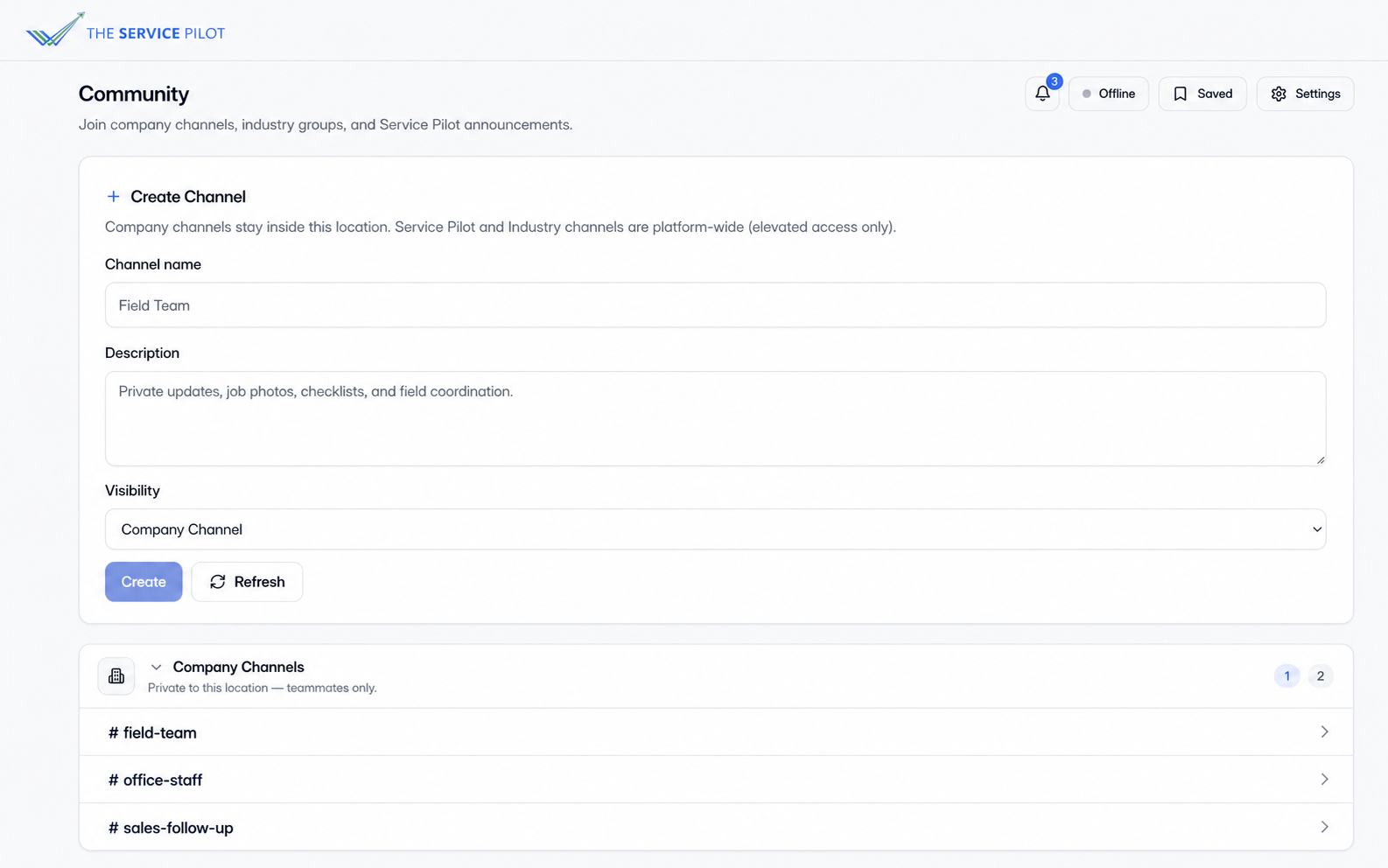
Create private channels for your company team
Create channels around the way your company works, then invite only the employees who belong in each conversation. For example, create a Technicians channel to discuss jobs with your field team or an Office Staff channel for internal office information and updates.
Create channels your way
Name channels for technicians, office staff, sales, managers, projects, or any workflow your company needs.
Invite the right team members
Add only the employees who should participate, so technicians can focus on jobs while office staff handle internal updates.
Private within your company
Company channels and their conversations stay inside your Service Pilot sub-account and are not shared with other businesses or Community members.
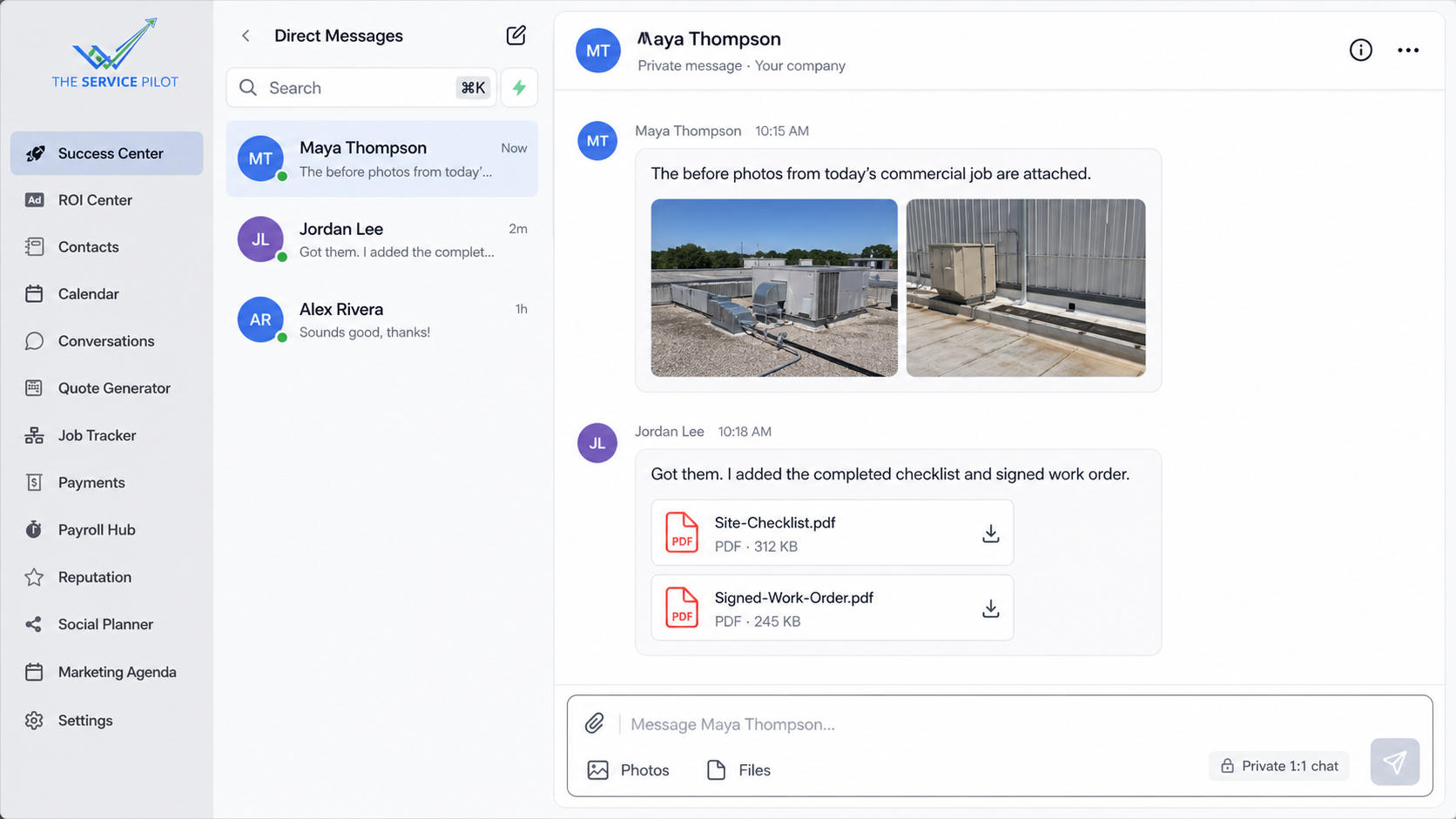
Message teammates and share the files that move work forward
Start a private one-to-one conversation with your team members in your company, send job-site photos, and exchange the documents needed to complete the work. These chats stay within your company team and are not shared with other businesses or Community members.
Same-company direct messages
Private one-to-one conversations are limited to teammates who belong to the same company sub-account.
Photos and files
Share field photos, checklists, signed work orders, and other supporting files directly with your company teammate.
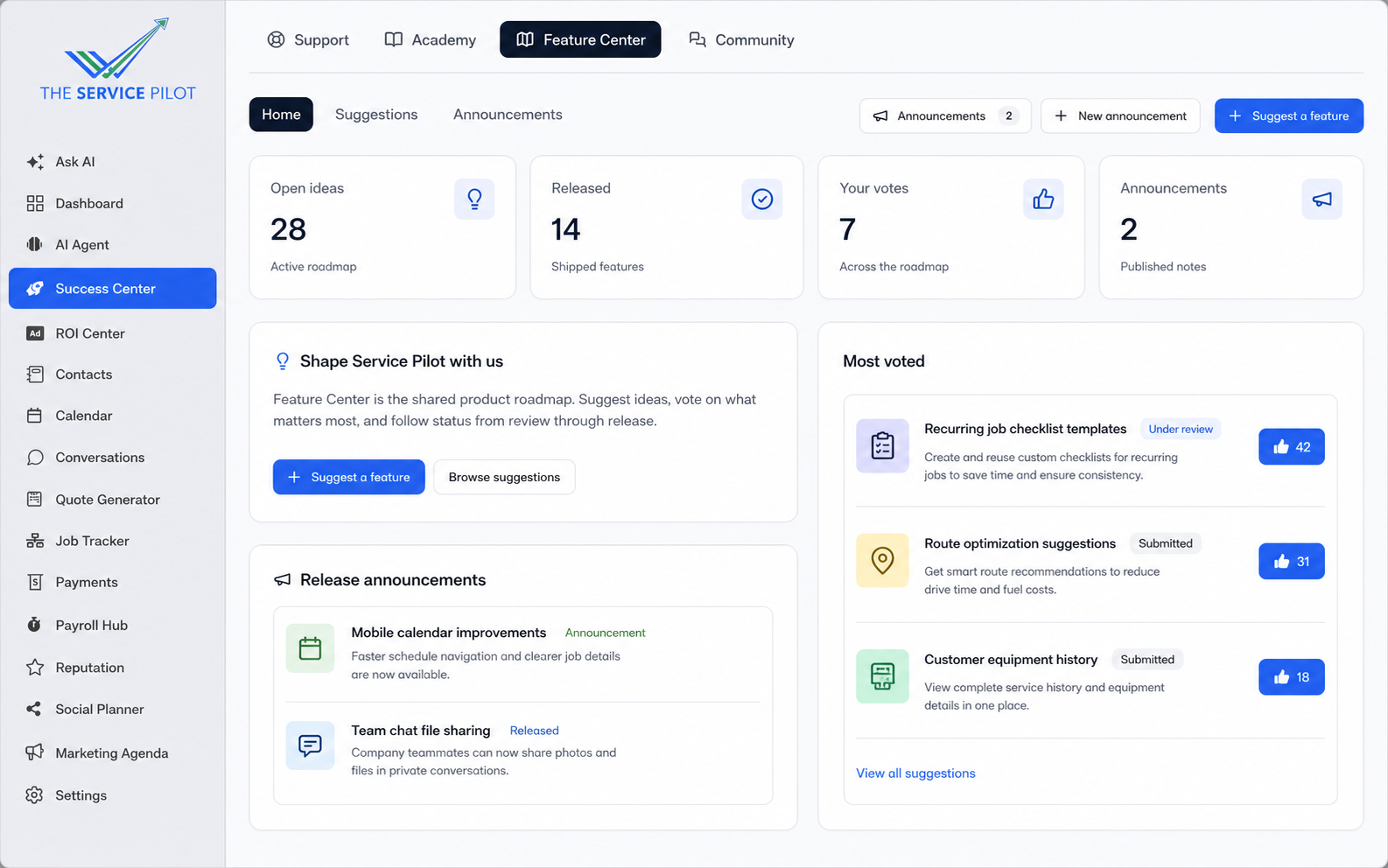
Help shape what The Service Pilot builds next
See Service Pilot releases and product announcements, submit feature ideas, and vote for the improvements that would make the biggest difference to your business.
Releases and announcements
Follow newly released capabilities and important Service Pilot product updates in one place.
Request a feature
Business owners can describe the improvement they want and share why it would help their workflow.
Vote on what matters
Owners can support useful ideas with a like. Popular requests that make sense for the platform can be reviewed and considered for development.
Create a ticket and get help from the Service Pilot team
Submit technical issues, billing questions, onboarding requests, or general support needs. Add the details and supporting photos or files so the right team can help.
Choose the request type
Route technical issues, billing help, onboarding questions, and general requests to the appropriate team.
Share the full context
Describe what happened, select a priority, and attach helpful screenshots, photos, or files.
Keep every request organized
Each ticket has its own subject, category, details, attachments, status, and conversation history.
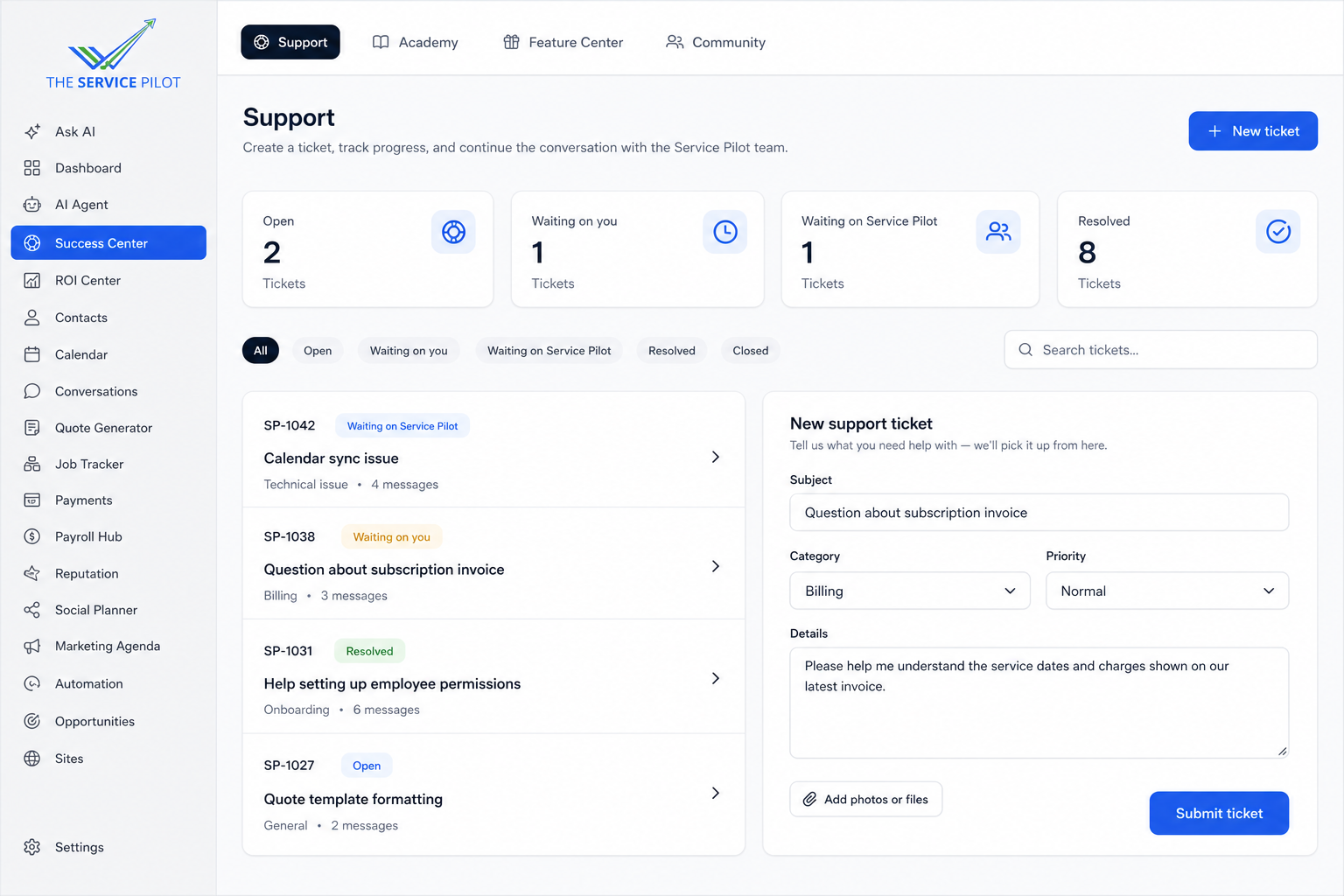
Track every request and continue the conversation
Follow each ticket from the first message through resolution. See whether the request is open, waiting on you, waiting on Service Pilot, or resolved, then chat directly with the support or development team inside the ticket.
Clear ticket status
Know who needs to act next without searching through email or starting the request over.
Direct team conversation
Reply to Service Pilot Support or the development team and keep every update connected to the issue.
Complete request history
Review messages, attachments, and progress in one place until the issue is resolved and closed.

Success Center questions
Can business owners upload their own training?
Yes. Academy is designed to combine Service Pilot training with private company-owned courses and videos.
Is Community the same as Team Chat?
No. Community connects owners and industry peers; Team Chat supports internal company communication.
Can support requests be tracked?
Yes. Requests can move through open, waiting, resolved, and closed states so responsibility stays clear.
Give your team a shared place to succeed
See training, community, communication, and support working inside The Service Pilot.