
Schedule the Work and Track Every Job in One Place
Plan the calendar, follow each job from assignment through completion, and keep customer context, services, pricing, estimates, invoices, notes, payment details, and field photos connected.
Know what is booked, when it happens, and what it is worth
Use a shared calendar to organize appointments and jobs across the team while keeping booked revenue visible for planning.
Month, week, and day planning
Move between useful calendar views for dispatching and capacity planning.
Color-coded job status
Understand the schedule quickly without opening every record.
Create jobs and appointments
Keep scheduling actions close to the calendar.

Track job status without leaving the calendar
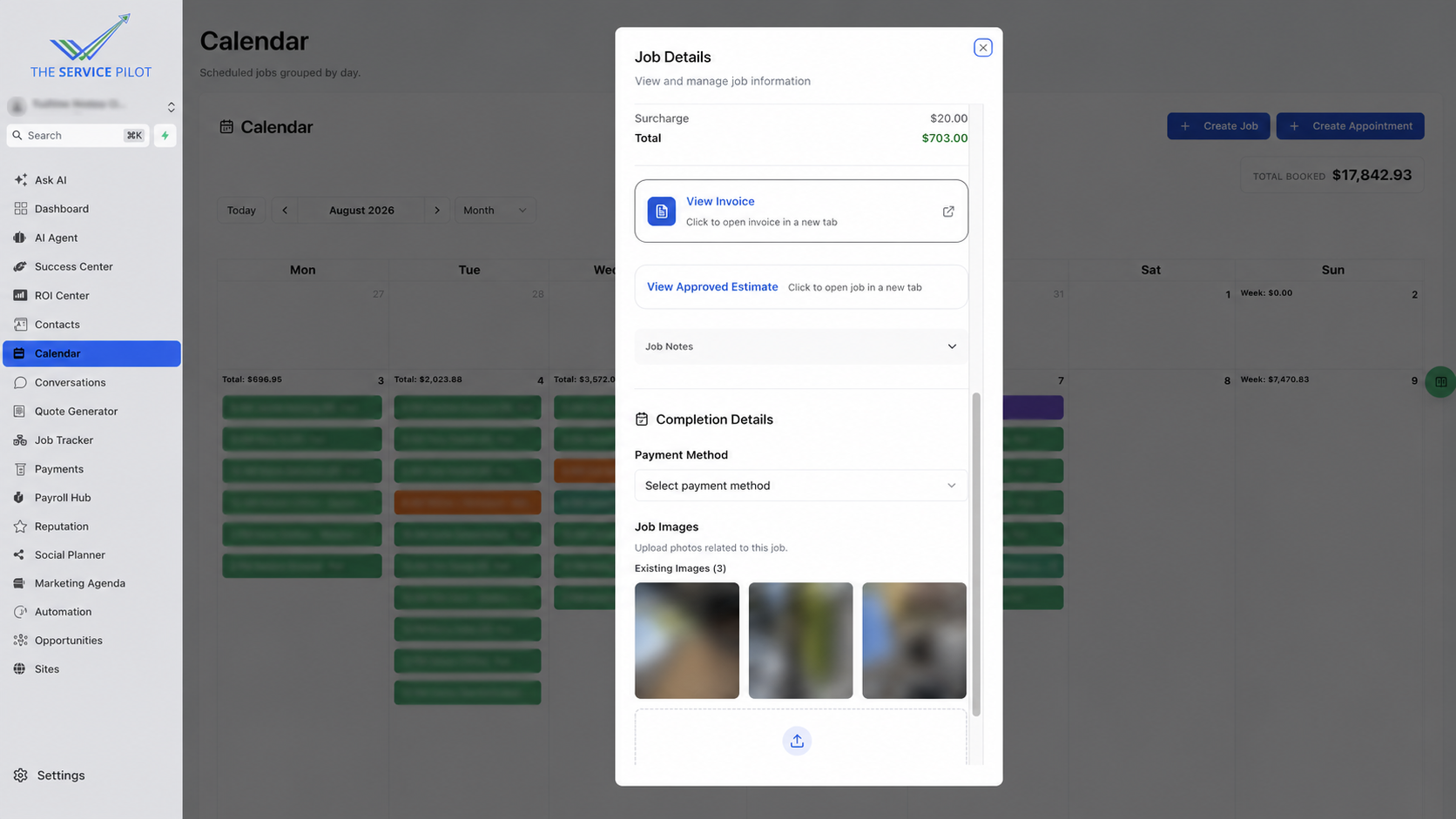
The Job Details panel acts as the job tracker, keeping the customer, schedule, assigned team, current status, services, discounts, and totals accessible over the calendar.
Status and assignment
Follow each job from scheduled to active and completed while keeping the responsible team visible.
Services and pricing
Review the work included and the current job total in context.

Move from approved work to completion and payment
Open the approved estimate and invoice, record completion information, select payment details, and upload field photos from the job record.
Scheduling and job tracker questions
Is Job Tracker a separate feature?
No. Job tracking is built into the scheduling and calendar workflow, so the team can manage status and job details without moving to a disconnected system.
Can the team see jobs across a full month?
Yes. Calendar views make it easier to plan work and review scheduled capacity across useful time ranges.
Does each calendar job retain pricing, photos, and service details?
Yes. The job panel keeps services, prices, discounts, totals, and field images close to the schedule.
Schedule and track the day from one connected calendar
See how scheduling and job tracking stay connected inside The Service Pilot.